



Rollambia Mobile Application
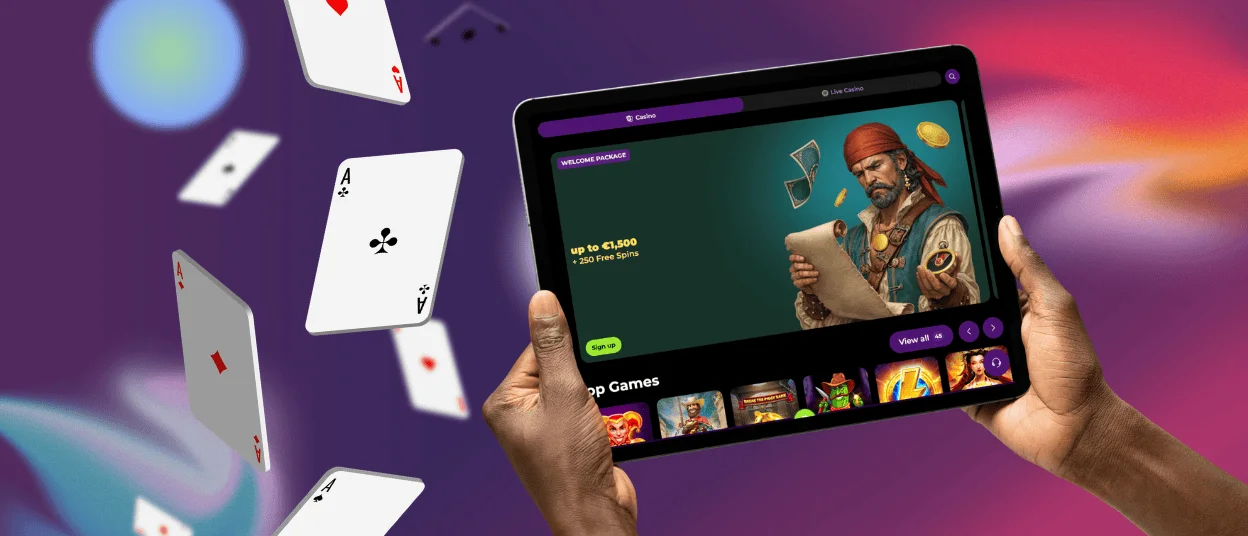
Gamers now have the freedom to play their favorite games whenever they want with the Rollambia app. Both the advanced features and the user-friendly interface of this mobile platform are impressive. Users of Apple and Android products can access a wide variety of mobile casino games. The app ensures that users, particularly those on mobile devices, have a secure and seamless gaming experience.



Advantages of the Rollambia Application
The mobile application presents specific features that enhance the gaming experience compared to computer access. Players find significant advantages when using the mobile version of the platform.
The application eliminates the need to open a browser every time you want to play. Tapping the icon on your home screen opens your account and all games, including online slots. Immediacy is useful when you have free time during the day.
The controls use smartphone and tablet touch functions and are designed for mobile devices. It’s easier to use your finger to move around and less likely to make mistakes because the buttons are bigger and better organized.
The application uses less mobile data than browser access due to its optimized design. Visual elements and functions are streamlined to load faster, reducing the use of your internet plan.
How to Play on Roll Ambia from iPhone and iPad
Apple devices have two main ways to access the Rollambia platform. Both options offer a complete experience without having to download apps from the App Store.
Step-by-Step Application Installation on iOS
Rollambia casino uses PWA technology that allows you to install the app directly from its official website. This system does everything a native app does, but it doesn’t take up any extra space on your device.
- Open Safari on your iPhone or iPad.
- Visit the official website.
- Find the “Casino App” button in the site’s main menu.
- Press the share icon at the bottom of the screen (a square with an arrow pointing up).
- Scroll down through the options and choose “Add to Home Screen”.
- Customize the name if you want and confirm by tapping “Add”.
The icon will appear on your home screen like any other application. Clicking on it opens it in full screen, providing an experience identical to an app downloaded from the store.
If you have problems with the installation or the verification process, you can contact our support team via live chat or email.

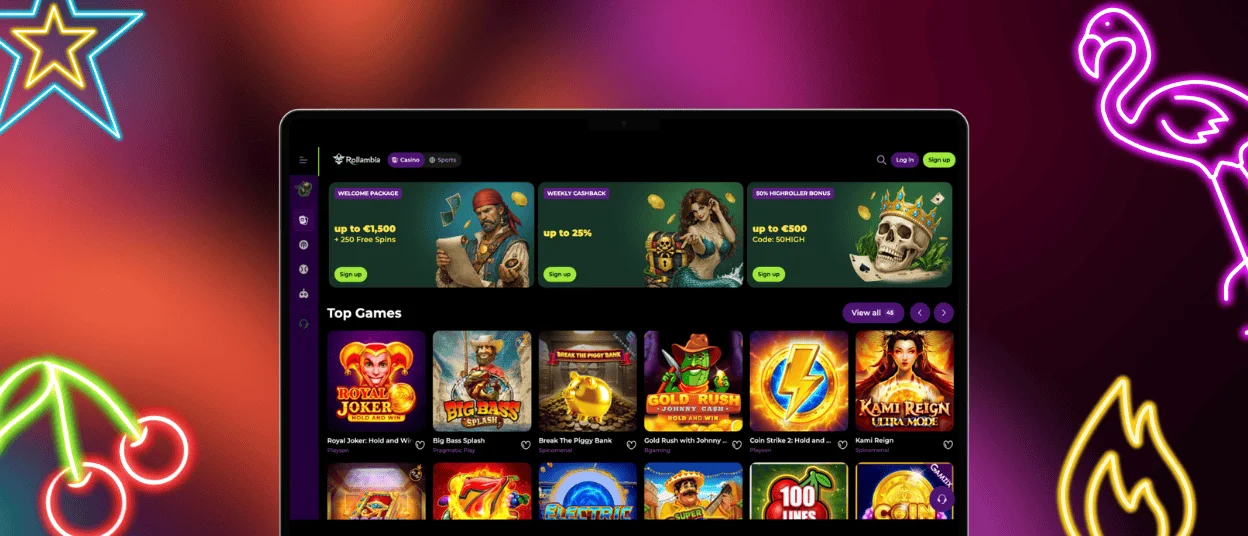
Rollambia from PC or Mac
Although the mobile app allows you to play anywhere, many players prefer to play on a larger screen. Access from desktop or laptop computers does not require downloads.
The Rollambia web platform works well on all modern browsers, such as Chrome, Firefox, Safari, and Edge. Simply visit the official website, log in with your details, and immediately access the full game library.
Larger screens help you see the detailed game graphics better and make it easier to handle multiple windows at the same time. Players who compete in tournaments or play for long periods prefer the PC or Mac experience.
Your account is automatically connected across all devices. Your progress, balance, and settings are the same, regardless of whether you play on the mobile casino, tablet, or computer. This flexibility allows you to use different devices depending on the situation without losing your rhythm.
| Aspect | Mobile Device | PC/Mac |
| Portability | Excellent | Limited |
| Screen Size | 5-7 inches | 13+ inches |
| Multitasking | Limited | Extensive |
| Comfort during long sessions | Medium | High |
Download and Installation of the App on Android
Android users have various ways to install the Rollambia app. The process is simple and does not require complicated changes to the device.
Installation via Web Shortcut
Android also allows you to create shortcuts from Chrome, like on iOS, but with some different steps.
- Open Chrome on your Android phone.
- Visit the website.
- Look for the “Casino App” section in the site menu.
- Click on the three-dot icon in the upper right corner of the browser.
- Choose “Add to Home Screen” from the menu that appears.
- Confirm the action by tapping “Add”.
The system will automatically create an icon on your home screen that will function as a standalone application.
Application Security and Protection Features
Security is a major priority when using Rollambia. Multiple layers of security protect users’ personal and financial information.
All information transmitted between your device and the servers is protected using 128-bit SSL encryption. This level of security is the same as that used by banks to protect sensitive information, such as passwords and payment details, against theft.
The application provides optional two-factor authentication, which increases security. After entering your password, the system requests a temporary code via phone or email. This prevents unauthorized access, even if someone has your password.
Every deposit and withdrawal is automatically reviewed for security. The system detects anomalies and may request additional verification for transactions that deviate from your usual behavior to prevent fraud.
Frequently Asked Questions
What should I do if the application closes unexpectedly?
Unexpected closures are generally resolved with simple steps. Recreate the shortcut from the website, clear your browser’s cache, and restart your phone. Make sure the operating system is up to date. If the issue keeps happening, please get in touch with Rollambia support and describe your device and the error.
Are my deposits safe when using the mobile application?
Mobile app deposits are as secure as computer deposits. Use PCI DSS-compliant payment methods and bank-grade SSL encryption. Rollambia does not store full card data, but every transaction is recorded in the account history.
Why should I use the official application instead of the website?
The official app enhances mobile gaming with exclusive bonus notifications, lower battery and data consumption, and an optimized touch interface. It loads faster, facilitates navigation, and allows direct access from the home screen without using a browser.


